

Inside the workflow, never around it.
Suppa AtoZ connects to the electronic health record your hospital already uses. Clinicians keep working in the same screens; the drafts, checks and suggestions appear where they are needed.
Three steps, every encounter.
The clinician consults, Suppa AtoZ drafts and checks, and the clinician signs.
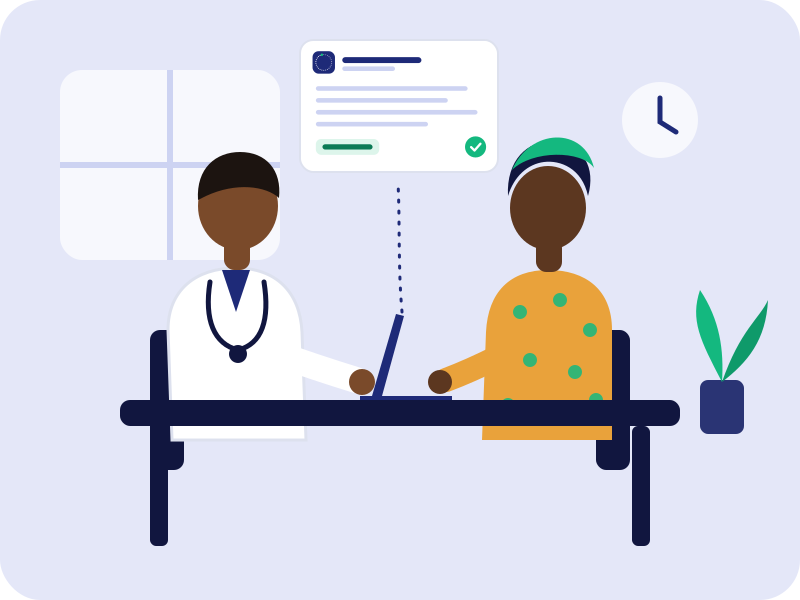
The clinician works as usual
They type notes, dictate, or order medicines in the existing EHR. Suppa AtoZ reads the encounter and the patient's history with the permissions the hospital sets.
Suppa AtoZ drafts and checks
It drafts the note or summary, runs the prescription check, suggests codes and attaches the relevant guideline, each with its source.
The clinician reviews and signs
Every suggestion can be edited, accepted or rejected. Only signed content enters the record, and every decision is logged.
Built to fit the systems you have.
We work with your ICT team and your EHR vendor so Suppa AtoZ fits your existing infrastructure.
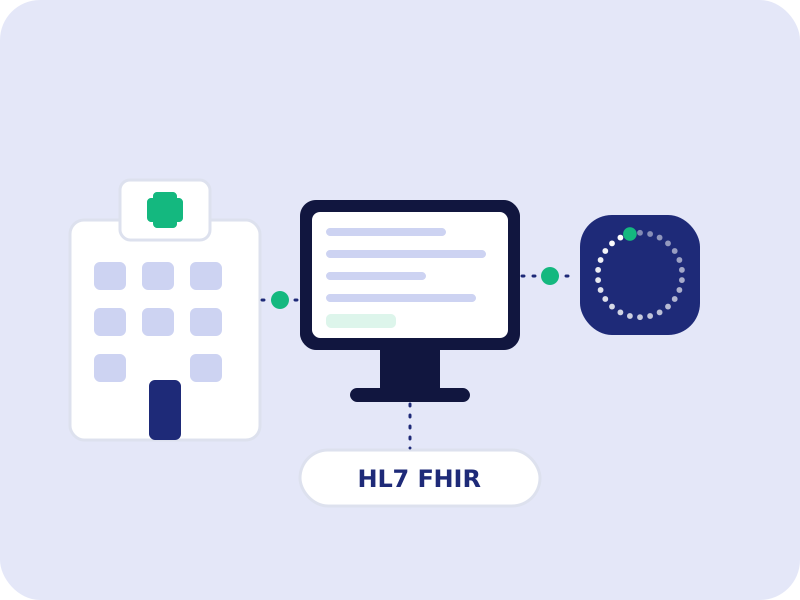
- EHR integration through HL7 FHIRStandard interfaces for patients, encounters, medicines, allergies and results.
- Hospital-controlled permissionsSuppa AtoZ sees only the records and roles your hospital authorises.
- Designed for low bandwidthLight interfaces that keep working on the connections common in Nigerian facilities.
- Single sign-on with the EHRClinicians use their existing accounts; there is no separate login to manage.
From first meeting to ward rollout.
Every deployment follows the same five stages, and no tool goes live on wards until it has passed local validation.
Discovery
We map your workflows, EHR, priorities and governance with clinical and ICT leads.
Integration
We connect to your EHR and set permissions with your ICT team and vendor.
Pilot
A small group of clinicians uses the tools in one or two departments.
Validation
Outputs are compared with clinician review on your own patients before wider use.
Rollout
Phased rollout with training, support and ongoing performance monitoring.